
Reading an item page
Each item has its own page (for example, an item under Baddies Items opens a page like /baddies/item/123). It is the best place to size up an item before trading. Here is what you are looking at.
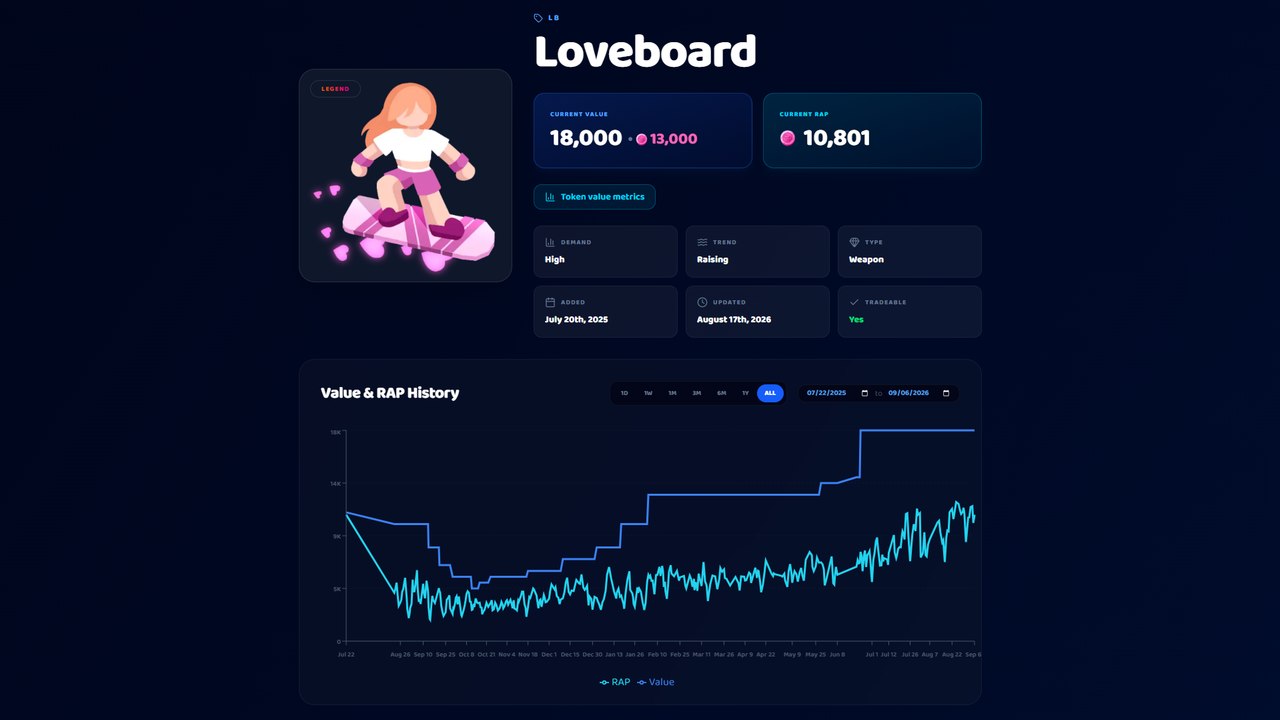
The value cards
- Current Value: the community reference value. For token games, the item's token value shows here too.
- Current RAP: the Recent Average Price from real sales, where the game supports it.
Demand and trend
Two quick read-outs of market health:
- Demand: how sought-after the item is (Amazing, High, Normal, Low, Terrible, or N/A).
- Trend: where it is heading (Raising, Stable, Lowering, Fluctuating, Unstable, or Unassigned).
High demand plus a rising trend is a strong hold. Low demand plus a lowering trend is a sign to be careful.
Other details
You'll also see the item's type or category, rarity, copies (how many exist, for some games), whether it is tradeable, and when it was added or last updated.
Value and RAP history chart
The page plots the item's Value and RAP over time, with ranges you can switch between: 1 day, 1 week, 1 month, 3 months, 6 months, 1 year, all-time, or a custom date range. Use it to spot whether an item has been climbing or sliding before you commit.
Trade ads for this item
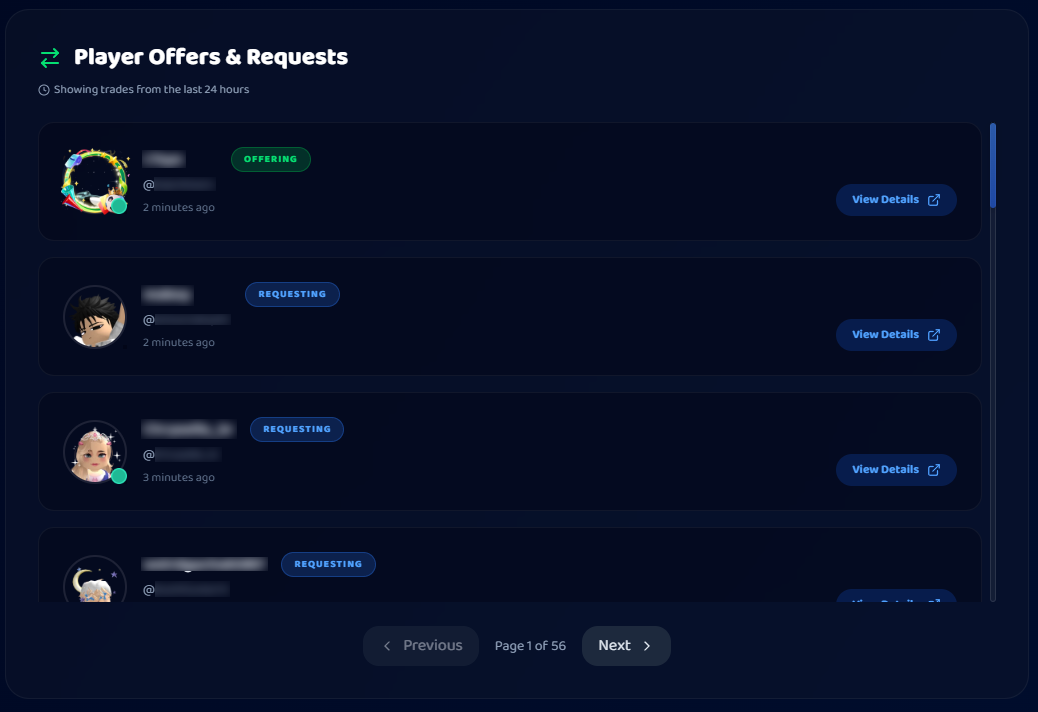
Near the bottom you'll find active trade ads that offer or request this item, a shortcut to people already trading it, so you can jump straight into a deal.
Token details (Baddies)
For token games, a token details link opens deeper token stats and recent deal history for the item.
How to use it
Check Value and RAP, glance at demand and trend, skim the history chart for direction, then browse the item's live trade ads.
Was this article helpful?