
How to switch light or dark theme
 By jerxUpdated September 6, 2026
Bloxtsar comes in a dark and a light theme. Change it from the Appearance tab in Settings.
Change your theme
- Go to Settings and open the Appearance tab.
- Under Site Theme, pick a card:
- Dark, deep navy surfaces (the default).
- Light, brighter frosted surfaces with lighter contrast.
- The selected theme applies across the whole site immediately.
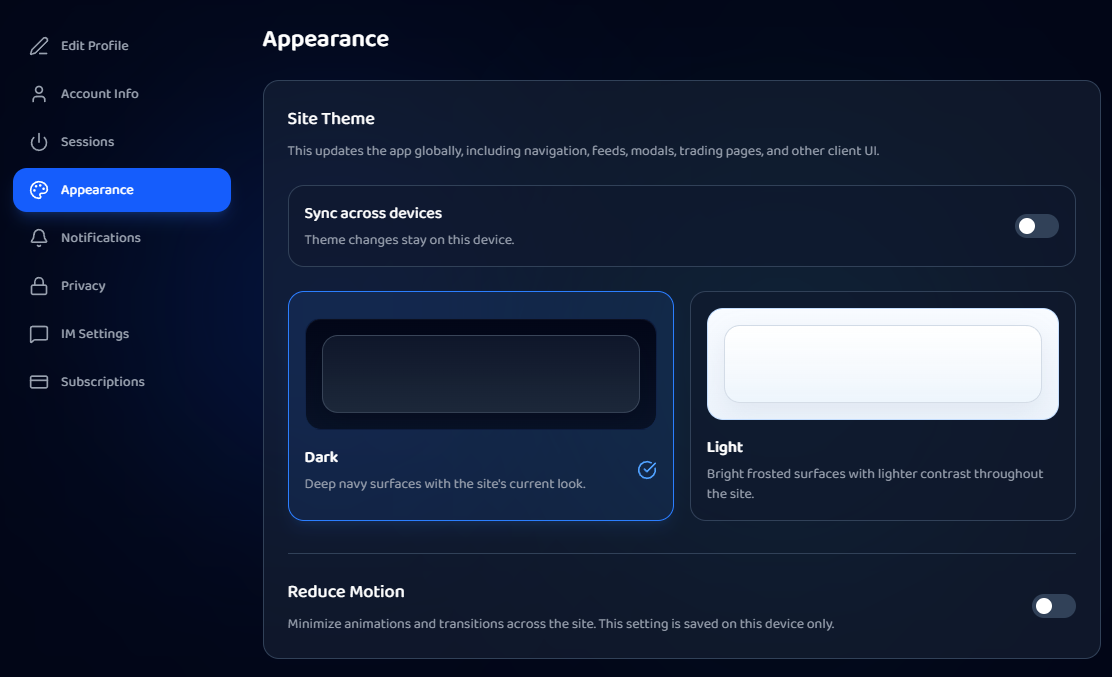
Sync across devices
Turn on Sync across devices to save your theme to your account, so it follows you everywhere you sign in. Leave it off to keep the choice on the current device only.
Reduce motion
The Reduce Motion toggle minimizes animations and transitions across the site. It's saved on the current device only. If Bloxtsar has already reduced motion automatically (for performance), you'll see a short note explaining it.
Was this article helpful?