
How to block or unblock a user
 By jerxUpdated September 6, 2026
Blocking hides a user's messages, stops them from messaging you, and hides their trade ads from you. Blocking is mutual.
Block a user
- Open the user's profile, or your chat with them.
- Click Block User.
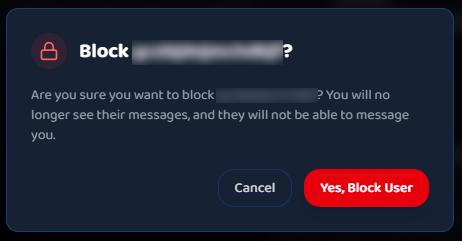
- Confirm on the prompt: "You will no longer see their messages, and they will not be able to message you."
You can't block yourself. If you're in a chat with them, that conversation is hidden when you block.
Unblock a user
You can unblock from either place:
From their profile or chat: the button now reads Unblock User. Click it and confirm.
From Settings:
- Go to Settings and open the Privacy tab.
- On the Block List row, click Check.
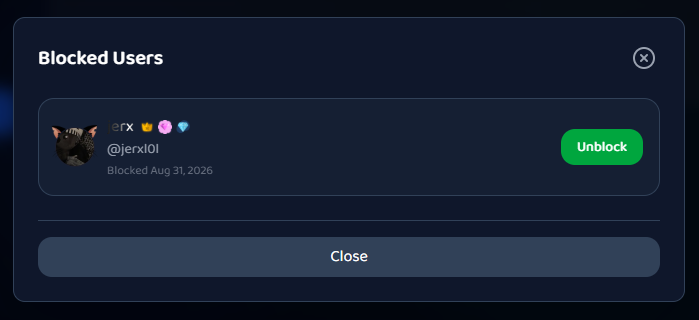
- In the Blocked Users window, find the person and click Unblock.
- Confirm: "They will be able to message you again."
Tip
Block first, then report if someone is scamming or harassing. Blocking protects you right away, and the report helps the moderation team.
Was this article helpful?