
How to hide from the leaderboard
 By jerxUpdated September 6, 2026
By default your profile can appear on public leaderboards. If you'd rather not be identified there, you can opt out.
Opt out
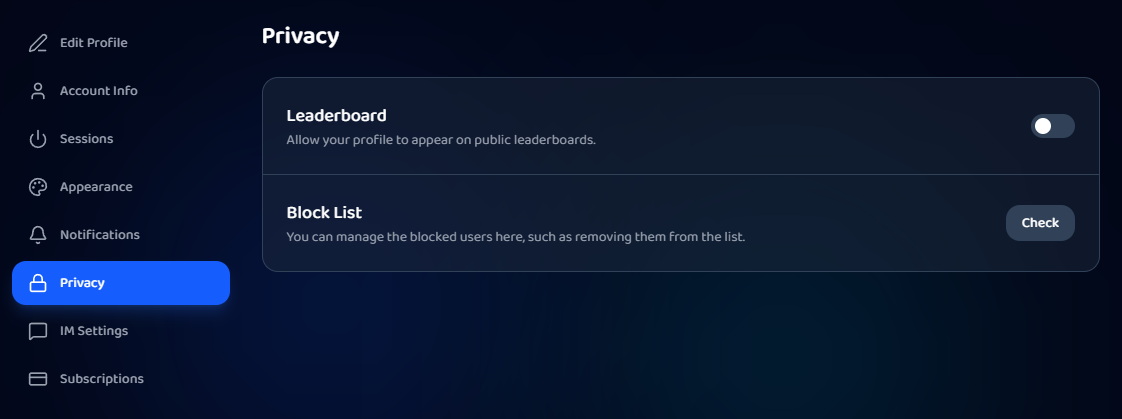
- Go to Settings and open the Privacy tab.
- Find the Leaderboard row: "Allow your profile to appear on public leaderboards."
- Turn the toggle off.
What "hidden" actually means
You're anonymized, not removed. Your rank and total value still count, but your identity is stripped:
- Your name shows as "Anonymous."
- Your avatar and profile link are hidden.
So you still hold your spot, people just can't see it's you. Turn the toggle back on any time to show your identity again.
Was this article helpful?