
Trade ad frames: how to get and equip them
Updated September 6, 2026
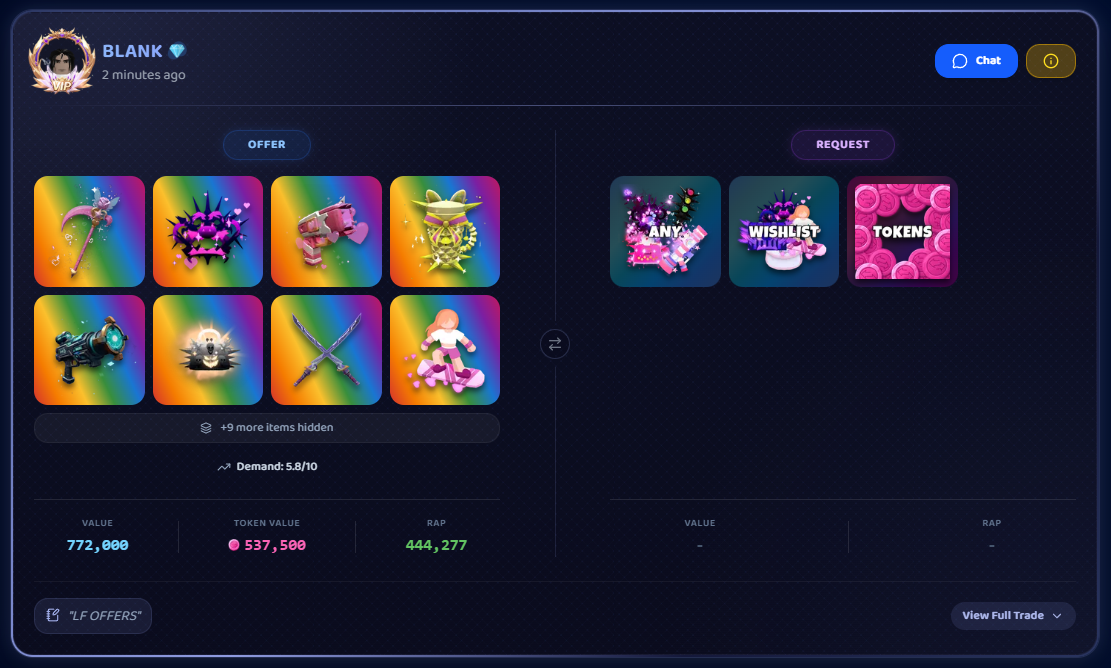
A trade-ad frame is a decorative border around the trade ads you post, a quick way to stand out in the feed.
Where frames come from
| Frame | How you get it |
|---|---|
| Gold (labeled "Known Trader") | Comes with the Known Trader badge. |
| Midnight Quilt | Comes with VIP. |
| Onyx | Reserved for the site owner. |
| Server Booster | A Discord-boost reward (rolling out). |
| Event and pack frames (Arcade, Scratch-Off, Afterbloom, Backrooms, and more) | Handed out for events or granted by staff. A cosmetics shop may open later. |
You don't lose a rank-based frame while you hold that rank or badge; VIP's Midnight Quilt applies while your membership is active.
How to see what you own
Browse every trade ad frame here. Owned frames are marked, and locked ones show how they're obtained.
How to equip one
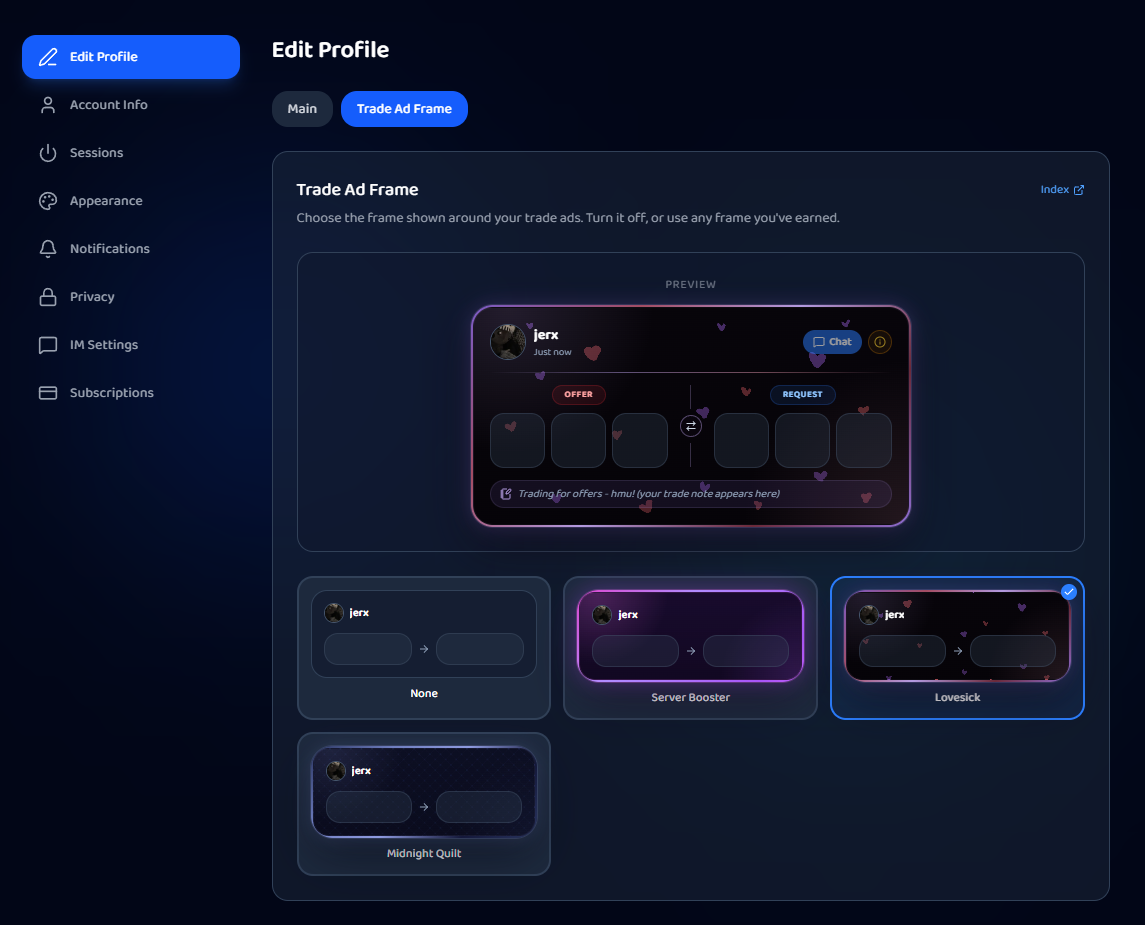
- Go to Settings and open the Edit Profile tab.
- Switch to the Frame sub-tab.
- Pick a frame:
- An owned frame to wear it,
- None to post plain ads, or
- the default, which auto-uses the frame from your highest rank or badge.
- Save. Your new ads (and existing ones) show the frame.
Related
Was this article helpful?