
How to add or change your email
 By jerxUpdated September 6, 2026
Adding an email lets us send account updates and important messages, and it's needed for some flows like account recovery and deletion requests.
Add or change your email
- Go to Settings and open the Account Info tab.
- Find the Email Address section. The status shows Not set, Unverified, or Verified.
- Click Add email (or Change email if you already have one).
- Enter the address and save. We send a verification link to it.
- Open the link in your inbox to verify.
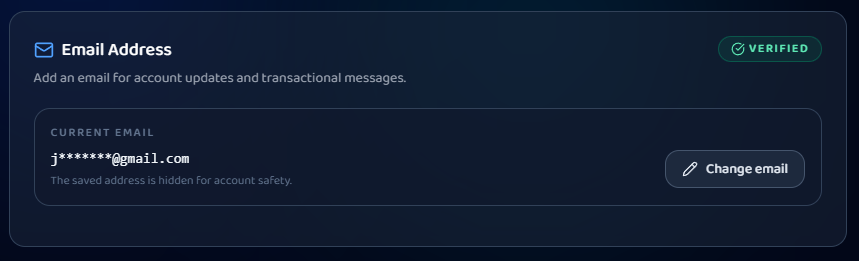
Your saved email is masked on the page for safety, so you won't see the full address after saving.
Didn't get the link?
If your email is added but still unverified, use Resend verification. Check your spam folder too, verification mail can land there.
Bonus: verifying unlocks a frame
Verifying your email completes the Email Verified achievement, which unlocks the matching avatar frame you can equip. See Avatar frames: how to unlock and equip them.
Was this article helpful?